Hotel Booking Software

Help Us Help You...

We want to make sure that your happy with our software. If you require functional changes or other assistance then please email us or give us a call.


Hotel Booking System - Software Functionality

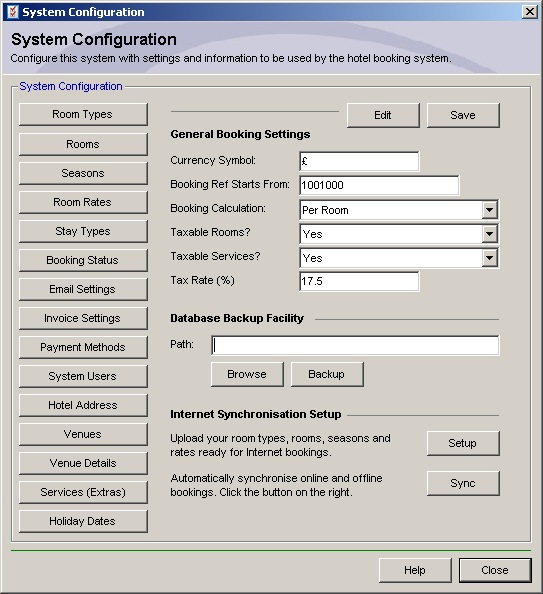
System Configuration

  • Add, view and edit unlimited room types, rooms, venues, pricing seasons and room rates.
  • Add, view and edit system user access accounts.
  • Charge by per room or by per person.
  • Specify the booking ref format to be used on all room bookings.
  • Charge tax on either rooms or services or both.
  • Add bank holiday dates to the system. These dates are highlighted in red on the booking calendar.

Room Booking

  • Display available rooms.
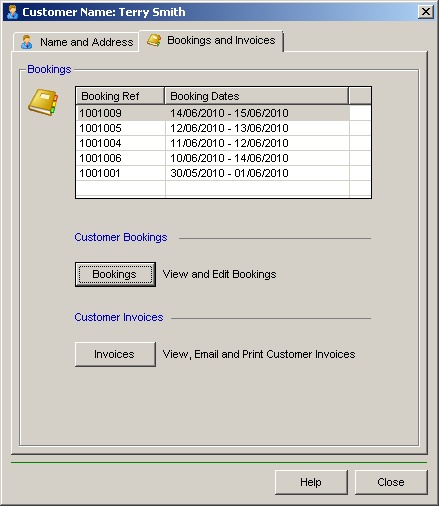
  • Add, view and edit customer details.
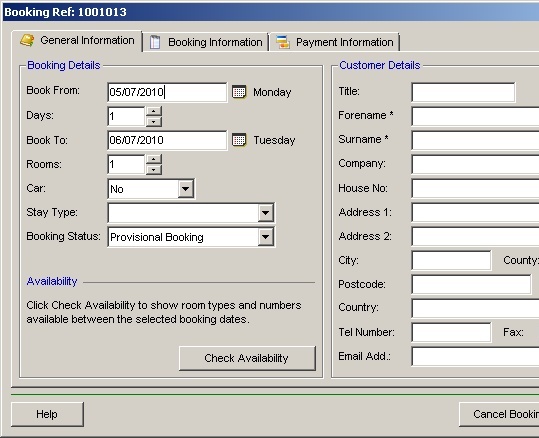
  • Add, view and edit bookings.
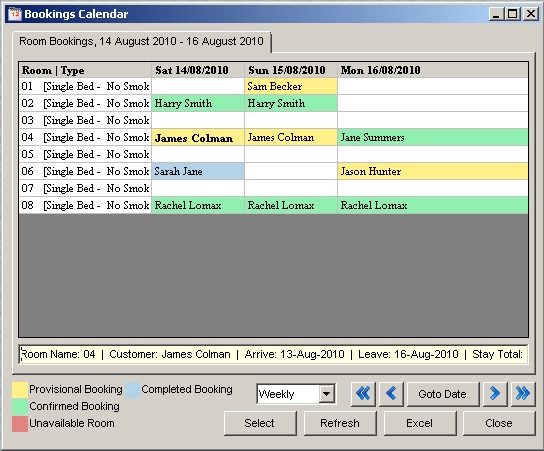
  • Graphical view of bookings and booking status for this week, next week and so on into the future.
  • Booking information - Showing current booking status as well as arrive/leave dates and total rent due.
  • Booking status - Set up to 9 different booking status's, each with a different colour.
  • Stay types - Record the customers type of stay i.e. holiday, weekend saver, promotion. This helps with your marketing effort.
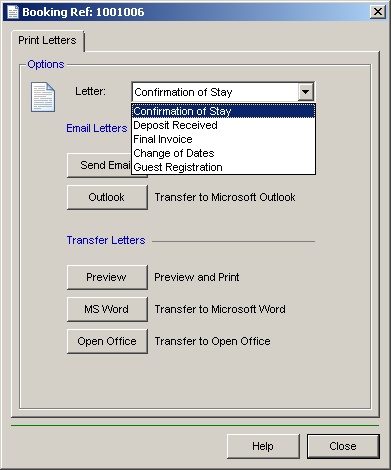
  • View, print or email invoices as well as the ability to transfer them to Microsoft Word, Open Office and Microsoft Outlook.
  • Email support using POP3 addresses and SMTP addresses allowing emails to be sent without going through a local email program like Outlook.
  • Change the state of hotel rooms, i.e. vacant, dirty, un-available.
  • Check-in and check-out customers.
  • Search for customers who have previously stayed in the hotel.
  • Display room availability online and allow customers to create bookings (Internet Booking Service Add-on).

Reports

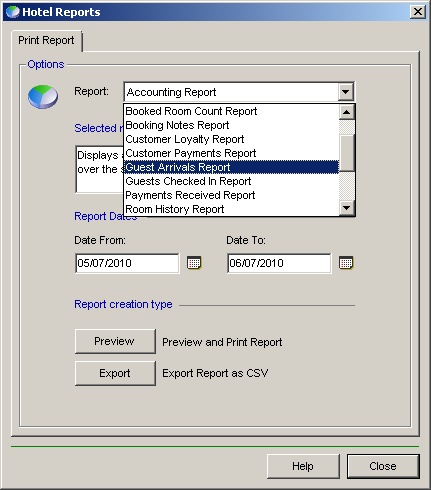
  • Print various hotel reports including, payments, room status, customer loyalty, guest arrivals, accounting reports.
  • Import/Export of customer details and reports into CSV format. Opens in Microsoft Excel.
  • Ability to send booking information, maintenance schedule and venue bookings to Microsoft Excel.

Accessibility

  • Help available on all forms by pressing the help button.
  • Networking facility allowing one or more copies of the hotel booking software to access a central database over a local area network (LAN).
  • Back-up facility allowing the system user to backup the database at any time.
  • Simple to use interface.
  • Add, view and edit maintenance schedule.
  • Synchronise In-house bookings with Internet server and collect new Internet bookings (Internet Booking Service Add-on)